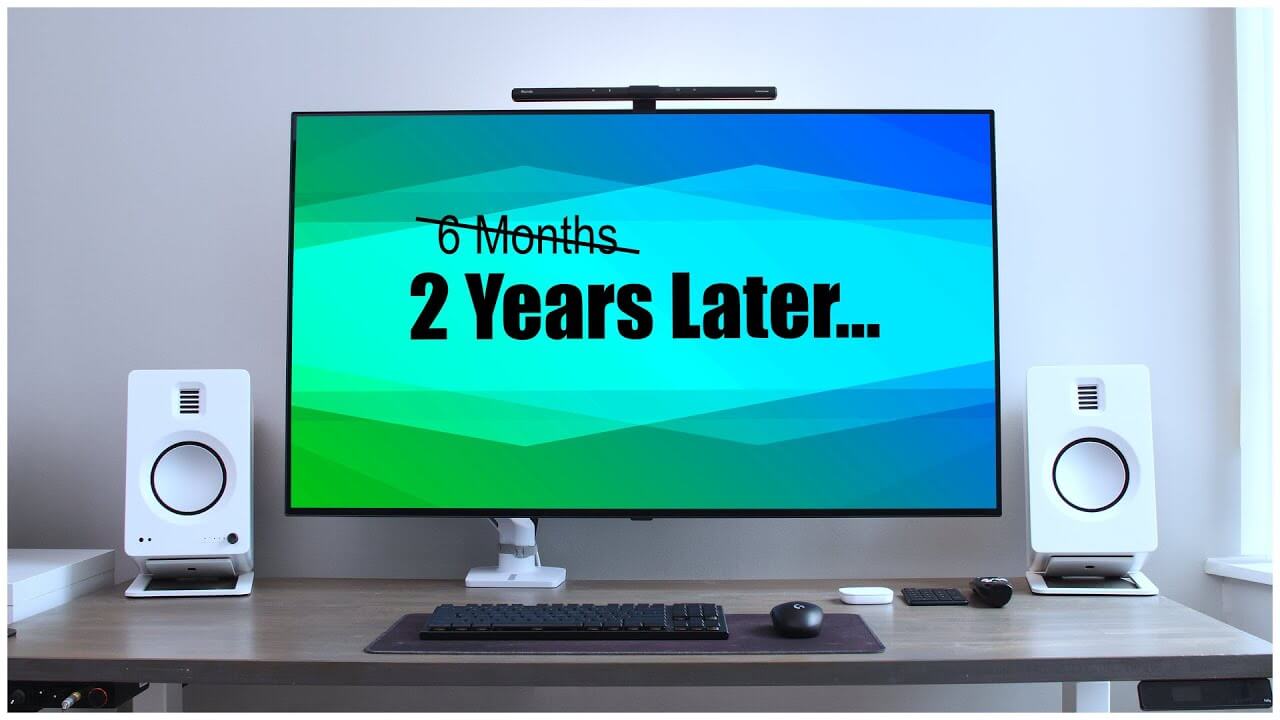
nearly two years later i'm still using the lg c10 48-inch oled tv as my main computer monitor i use it for productivity for word docs spreadsheets and web browsing to entertainment watching youtube videos movies or playing games on pc or the ps5 even after turning off some of the advanced burn-in protection features and with 4 600 hours of usage i still haven't experienced any oled burn-in yet to improve eye comfort using such a large screen this close i did also recently add some bias lighting to complement my light bar both of which have been helpful during late night sessions and i installed some new software that makes using a large tv nearly perfect for multitasking watching videos and even screen sharing during video conferencing hi i'm david and here's my two-year update for my settings i've had the tv at about 45 oled light brightness during pc use and i've also turned off the burn-in protection features like logo luminance and the absl in the service menu which has 100 improved my experience eliminating those brightness fluctuations that was my biggest pain point with this tv as a monitor even still with those features turned off the last couple months i don't see any burn-in flipping through these flat color tests i say this with caution as two years is still a relatively short period of time especially as people normally keeping their computer monitors five plus years so i do still expect burn in eventually even with these newer oleds but with me using it very heavily with static content it hasn't been an issue yet on the other hand image retention is something that on the rare occasion i'll notice for example if i leave a high contrast white title bar on screen for five hours i can notice the slight dark blemish on the gray color test as simulated here this is a pretty rare occurrence for me based on my workflow and only notice it when i purposely look for it with these tests and even when it does happen turning the tv off and allowing it to run the automatic pixel refresher fixes it so while image retention is a thing with oled it really hasn't been an issue for me on the downside dead pixels have gotten worse as you can see several of them along the edges of the screen i think this is actually a manufacturing defect with my particular unit that would be covered under warranty from lg but it really hasn't bothered me that much so i just live with it as for the large size i've gotten used to using a 48 inch screen in close proximity to the point where i don't think i could go back to a single smaller 27 or even 34 inch ultroid keeping in mind i treat this tv like an ultrawide monitor setup tiling applications across the display this is not comfortable to web browse or read word docs full screen this close at most i'll use like 75 of the screen on a single app for photo editing or spreadsheets but most of the time that upper space is just for the random console or calculator my only real complaint would be with the pixel density and the rwbg subpixels that make text and images not as crisp and exhibit some color fringing it's not terrible but compared to my 1440p screens or how spoiled we are with phones these days it's the one thing tempting me to move to those 40 inch ultrawides with 140 ppi compared to this low 92 ppi on this tv i am planning on trying out the new lg 42 inch c2 tvs when they go on sale here in canada as it will help a little with this issue but i do wish that higher 5k 6k or even 8k resolutions eventually do become more common but with gpu and hdmi bandwidth limitations i don't see that happening anytime soon i still also have the minor complaints about the lack of true monitor features like no standby and others but i covered those in my six months later review that you can watch linked below if you missed that one small hardware edition i made was adding a cheap ikea tradfear smart light behind the tv which i just lazily command stripped in place this in combination with the light bar on top help provide that nice soft ambient lighting to improve my eye comfort late at night on the softer side i have made notable changes to my fancy zone layout to accommodate more application sizes i have my basic six zones as simulated ultrawide letting me arrange my typical setup from a single main app with reference materials on the side a side-by-side setup when working on two documents at the same time an ultra wide window for reviewing a long video timeline a taller video for reviewing multiple lines of code and a couple larger window shapes perfect for photo editing spreadsheets or just watching the casual video one newer feature with fancy zones is the ability to activate all this with a simple right click of the mouse instead of needing to hold down the shift button all the time which i found really streamlines experience into a single hand next up for video if i'm watching a movie i'll kick back and watch it full screen but for random casual videos i find it more convenient to keep them in smaller windows since i'm still sitting so close for that i'll use this windowed chrome add-on that gives you more video size options for all your web videos such as maximizing the video to the window size which is perfect for reddit or i can also pop out a separate window and drop it into one of my larger fancy zones and of course i still have the option to do full screen as well the other issue i solved was screen sharing during video conferencing on microsoft teams this free app called region the share in the microsoft store lets me share a section of my screen instead of the entire screen so anything i drag into that green highlighted area gets shared while keeping the rest of the area private just like having a multi-monitor setup you can easily change the share size move it into a different position and use it in combination with those fancy zones for simple collaboration and lastly with my taskbar hidden to help avoid burn-in i hated how slow the hide and reveal animation is by default turning off animations in windows makes us so much more usable and responsive so in the end i'm still loving this tv as my main computer monitor it's not perfect and it's not going to be for everyone but i still haven't found a real upgrade from it for my workflow i had considered the new samsung 43-inch qn-90b and the alienware oled ultrawide but ended up cancelling those orders since they didn't feel like good upgrades for me and i'll probably grab the lg 42-inch c2 when it's in stock here but it is an expensive upgrade for what i can tell not a huge change but that's for another video hope you guys enjoyed this one you know what to do and i guess i'll see you next year you
OLED 4K TV as a PC Monitor | 2 Years Later